

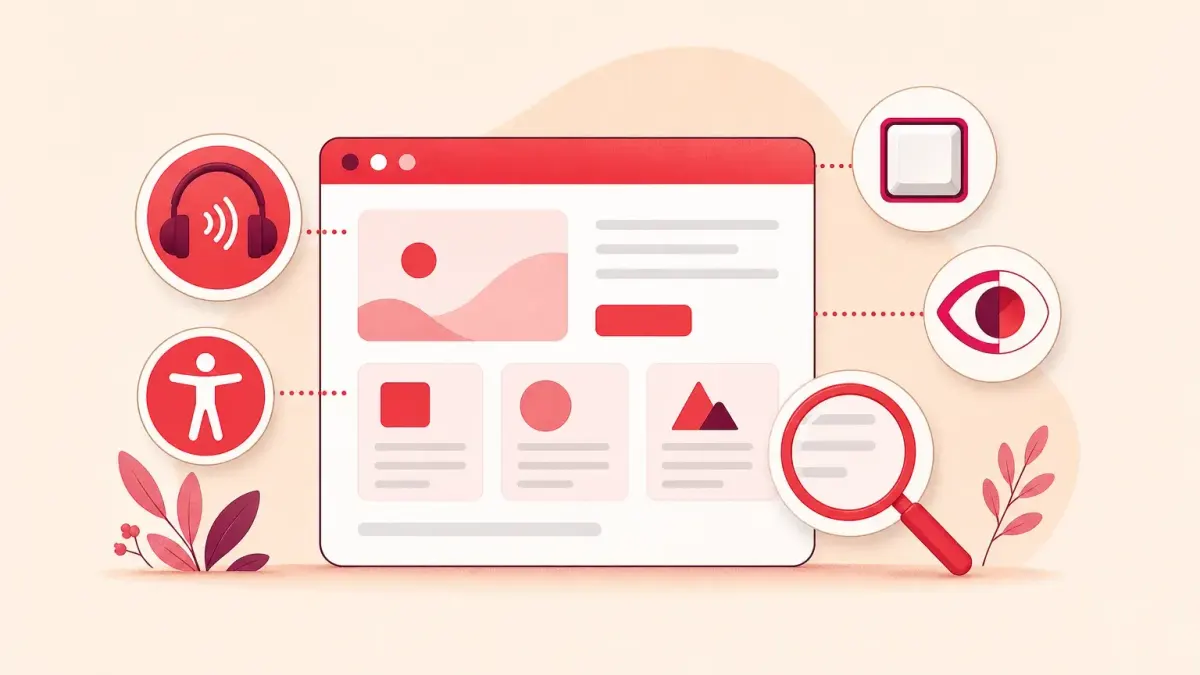
In the EU, two directives make website accessibility mandatory: public sector bodies have had to comply since 2019–2020, and some businesses that provide services to consumers since 28 June 2025. Whether your website is covered depends on what you do online and who your customers are – the checklist below helps you find out. For other websites accessibility is optional, but it still pays off: an accessible website can also be used by people who cannot see or hear well, cannot use a mouse or find complex text hard to follow.
Check your business: is accessibility mandatory for you?
Find the row that best describes you. The checklist is a starting point, not a legal opinion: if your case is borderline, ask a lawyer.
| Your organisation or website | Mandatory? | Why |
|---|---|---|
| Public sector body: ministry, municipality, state agency | Yes | Directive (EU) 2016/2102, since 2019–2021 |
| Online shop selling to consumers | Yes, unless you are a microenterprise | European Accessibility Act (e-commerce) |
| Bank offering services to consumers | Yes, unless you are a microenterprise | European Accessibility Act (consumer banking) |
| Phone or internet provider | Yes, unless you are a microenterprise | European Accessibility Act (electronic communications) |
| Airline, bus, rail or ferry operator | Yes – websites, apps, e-tickets and travel information, unless you are a microenterprise | European Accessibility Act (passenger transport) |
| E-book seller or publisher | Yes, unless you are a microenterprise | European Accessibility Act (e-books) |
| Provider of access to TV or video services | Yes, unless you are a microenterprise | European Accessibility Act (audiovisual media services) |
| Microenterprise providing services: fewer than 10 staff, turnover or balance sheet up to €2 million | No | Exempt under the European Accessibility Act |
| Company website without online sales: services, contacts, enquiry form | Usually not | Not an e-commerce service in the sense of the Act |
| Website for business customers only | No | The Act covers services for consumers |
| Bookings with advance payment | Borderline | Ask a lawyer |
Even where accessibility is not mandatory, WCAG 2.1 AA is the recommended benchmark. What the European Accessibility Act requires in detail, the exemptions and the key dates are covered in our article on the European Accessibility Act.
Public sector bodies
Directive 2016/2102 applies to state and municipal institutions and other public sector bodies. The deadlines were:
- from 23 September 2019 – websites published after 23 September 2018;
- from 23 September 2020 – all other websites;
- from 23 June 2021 – mobile apps.
A public sector body must publish an accessibility statement and give visitors a way to report inaccessible content. The statement explains which parts of the website are not yet accessible and why, which accessible alternatives exist and where to turn if the reply is not satisfactory. Some bodies, such as public service broadcasters, are exempt.
The directive covers both websites and the content on them: text, images, documents, forms, and identification and payment processes. There are exceptions, for example for live broadcasts, online maps, third-party content and archives that are no longer updated.
Businesses that provide services to consumers
Since 28 June 2025 the European Accessibility Act has applied to e-commerce, consumer banking, electronic communications, passenger transport services, e-books and access to audiovisual media services. Microenterprises that provide services are exempt. In Lithuania the Act was transposed by the Law on Accessibility Requirements for Products and Services (No XIV-1633).
Who uses accessible websites
People with disabilities use the same websites as everyone else, just in different ways: some listen, some navigate with a keyboard, some enlarge the text. A website has to work with the tools they use.
- People with visual impairments. Blind people use screen readers, which read text aloud, or braille displays. People with low vision enlarge the text, change the colours or use screen magnifiers. Colour-blind people miss information conveyed only by colour, such as red and green bars in a chart.
- People with hearing impairments. Deaf and hard-of-hearing people need captions and text instead of sound. For some Deaf people, plain language or sign language is easier to understand than complex written text.
- People with mobility impairments. People who cannot use a mouse navigate with a keyboard, by voice or with special switches. Every function has to work without a mouse, and buttons have to be big enough.
- People with cognitive and neurological disabilities. Clear text, a consistent structure and the same menu on every page help. Forms should not rush people: if a session is about to time out, visitors should be warned and able to extend it. Flashing content can trigger seizures, so it should be avoided.
- Older people and temporary limitations. With age, sight, hearing and fine motor control decline. Others find themselves in similar situations for a while: with an injured hand, using a phone in bright sunlight or watching a video without sound.
Assistive technologies visitors use
A website does not have to be ‘special’ – it has to work with the tools people already have on their computers and phones.
| Tool | Who uses it | What it needs from the website |
|---|---|---|
| Screen reader (NVDA, JAWS, VoiceOver, TalkBack) | Blind people, some people with low vision | Image descriptions, correct headings, named buttons and form fields |
| Braille display | Blind and deafblind people | The same as a screen reader |
| Screen magnification and browser zoom | People with low vision, older people | Text that does not overlap or disappear at 200% zoom |
| Keyboard, switches, voice control | People with mobility impairments | Every function works without a mouse, with visible focus |
| Captions and text versions | Deaf and hard-of-hearing people | Captions on videos and text instead of sound |
| Colour and contrast settings | People with low vision, colour-blind people | Information not conveyed by colour alone |
If the website’s code is clean, these tools work without any extra plugins. If it is not, no setting on the visitor’s computer will fix the error.
Why an accessible website pays off even when it is optional
Even if the law does not require your website to be accessible, making it accessible has practical benefits:
- More visitors can become customers. An older person or someone who navigates only with a keyboard can complete an order or an enquiry.
- Easier to use on a phone. Strong contrast, large buttons and clear forms help everyone browsing on a phone.
- Clearer structure. Headings, image descriptions and clear page titles help not only screen readers but also search engines understand the content.
- Fewer form errors. Clear field labels and understandable error messages reduce the number of abandoned orders and enquiries.
- Videos without sound. Captions are read not only by Deaf people but by anyone watching a video in a public place.
- Ready for the future. A business may outgrow the microenterprise thresholds or start selling online – and then the requirements become mandatory.
Accessibility is not a separate version of the website or a ‘disability’ button. It is many small decisions in the design, code and content, which is why it is easiest to build in when the website is created. If your current website is old and hard to fix, a website redesign is worth considering.
What ‘accessible’ means in practice
A website is considered accessible when it meets the WCAG 2.1 AA criteria: content is perceivable, operable, understandable and works with assistive technologies. We explain the criteria in plain English in WCAG requirements, and how to test and fix a website in our guide How to make a website accessible. This article is for general information only and is not legal advice.
If you want to find out how accessible your website is and what needs fixing, get in touch about website accessibility.
Published .
Sources
- Directive (EU) 2016/2102 on the accessibility of the websites and mobile applications of public sector bodies, EUR-Lex (external website)
- Commission Implementing Decision (EU) 2021/1339 (harmonised standard EN 301 549 V3.2.1), EUR-Lex (external website)
- Directive (EU) 2019/882 (European Accessibility Act), EUR-Lex (external website)
- Lithuanian Law on Accessibility Requirements for Products and Services No XIV-1633 (e-TAR, in Lithuanian) (external website)
- W3C WAI, How People with Disabilities Use the Web (external website)